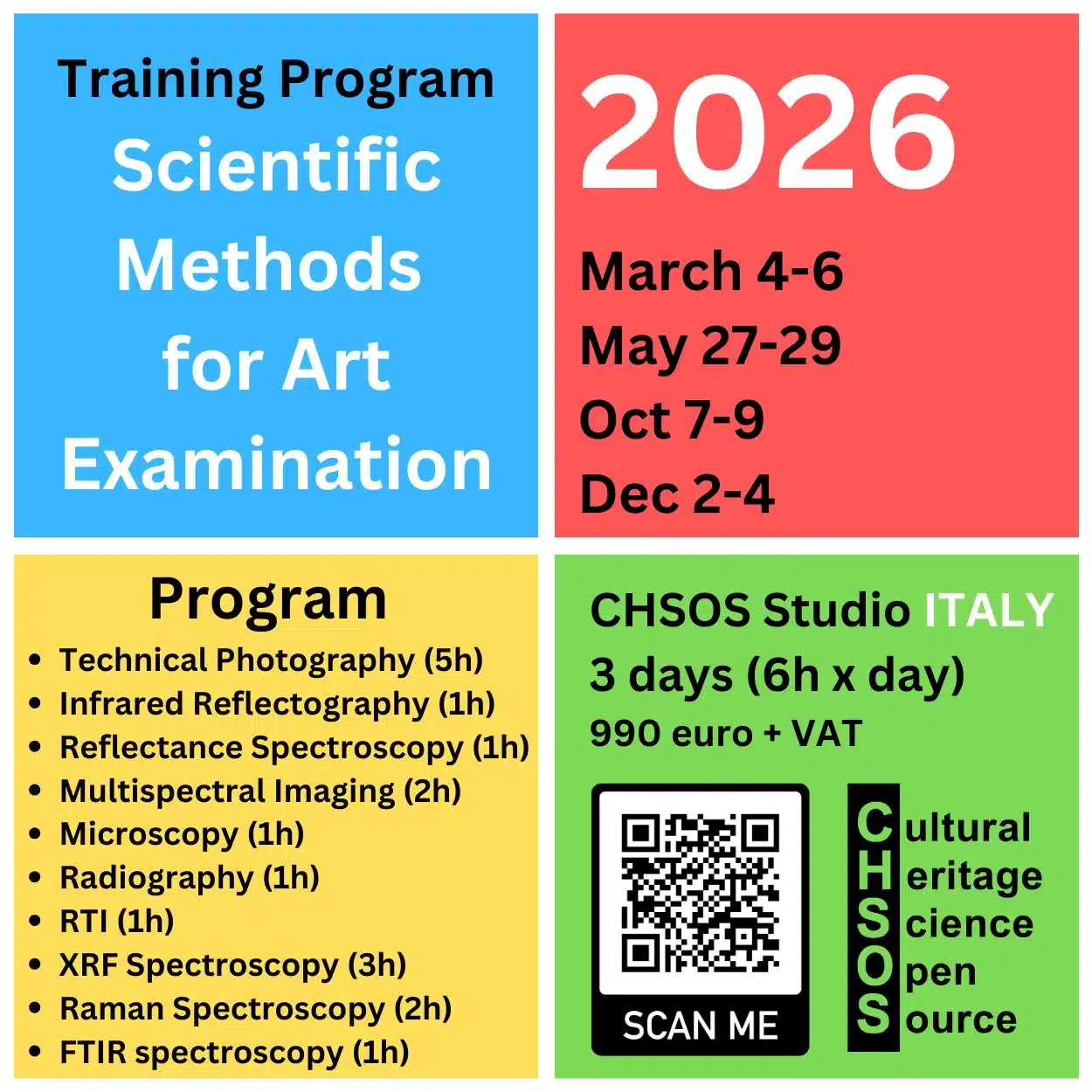
Learn Technical Photography for Art Examination
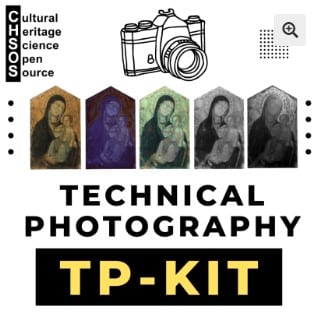
Technical Photography is one of the most powerful—and often overlooked—tools for the scientific examination of art and archaeology. If you are a conservator, scientist, or art collector and you are not yet familiar with this method, it is truly a missed opportunity. Using simple, affordable equipment and a clear methodology, Technical Photography allows you to reveal underdrawings, retouchings, material differences, and conservation issues in a completely non-invasive way. Far from being complex or inaccessible, it is an easy entry point into scientific analysis. In many cases, Technical Photography represents the first essential step toward a deeper understanding of artworks and archaeological objects.


Scientific Art Examination – Resources:
Getty Conservation Institute (GCI) – USA
The British Museum – Scientific Research Department – UK
Scientific Research Department – The Metropolitan Museum of Art, New York, USA
C2RMF (Centre de Recherche et de Restauration des Musées de France) – France
Rijksmuseum – Science Department – Netherlands