Learn Multispectral Imaging
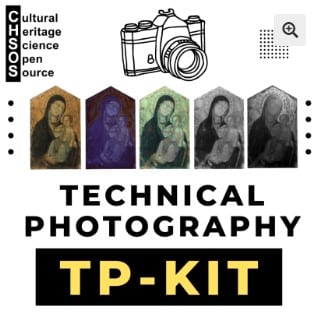
Multispectral imaging is a powerful extension of Technical Photography and a key step toward advanced scientific examination of art and archaeology. With the Antonello system, this approach becomes accessible, structured, and affordable, even for those without a strong technical background. If you are a conservator, scientist, or art collector and you are not yet using multispectral imaging, you are missing a valuable source of information. By capturing images under selected wavelength bands, the Antonello system helps reveal material differences, pigment distributions, and hidden features in a fully non-invasive way. Multispectral imaging with Antonello offers a practical and reliable starting point for evidence-based art analysis.


Scientific Art Examination – Resources:
Getty Conservation Institute (GCI) – USA
The British Museum – Scientific Research Department – UK
Scientific Research Department – The Metropolitan Museum of Art, New York, USA
C2RMF (Centre de Recherche et de Restauration des Musées de France) – France
Rijksmuseum – Science Department – Netherlands