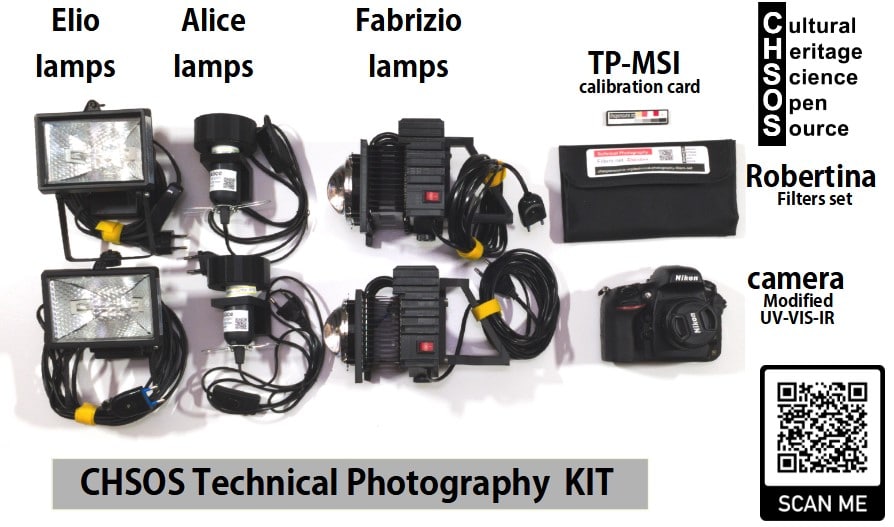
Welcome to the Multispectral Imaging (MSI) Editing Software lesson — your guide to setting up and using the tools that bring your Antonello MSI data to life.
In this section you’ll find step-by-step instructions for downloading and installing the software required for processing images captured with the Antonello Multispectral Imaging System. Once installed, you’ll also learn the basics of editing and preparing your multispectral images so you can begin creating accurate and meaningful data cubes for analysis.
Whether you’re new to multispectral imaging or advancing your workflow, this lesson will help you get the software up and running and confidently start working with your MSI captures.
Scientific Art Examination – Resources:
Getty Conservation Institute (GCI) – USA
The British Museum – Scientific Research Department – UK
Scientific Research Department – The Metropolitan Museum of Art, New York, USA
C2RMF (Centre de Recherche et de Restauration des Musées de France) – France
Rijksmuseum – Science Department – Netherlands